Who can connect?
Your identity and access controls authenticate users and workloads, grant permissions, and limit which systems they can reach. Those controls remain in place.
AgenticDome sits between your AI agents and your business systems, checking each connected action against policy and blocking it before it happens when policy says no.
No account or API key. The simulation runs without network access after installation.
Attach an SDK, plugin or gateway where your agent calls a tool or business system. AgenticDome Copilot guides onboarding and helps you work through setup and verification.
Check the final action against your organisation’s policy, using identity, purpose, tool arguments, destination and delegation context supplied by the integration.
Apply the decision before the operation runs. Retain the decision and the available outcome evidence so security and operations teams can review what happened.
Explore 17 framework, SDK and runtime integration paths. Each guide explains where to attach the decision and what to test before production.
python -m pip install agenticdome-python-sdk
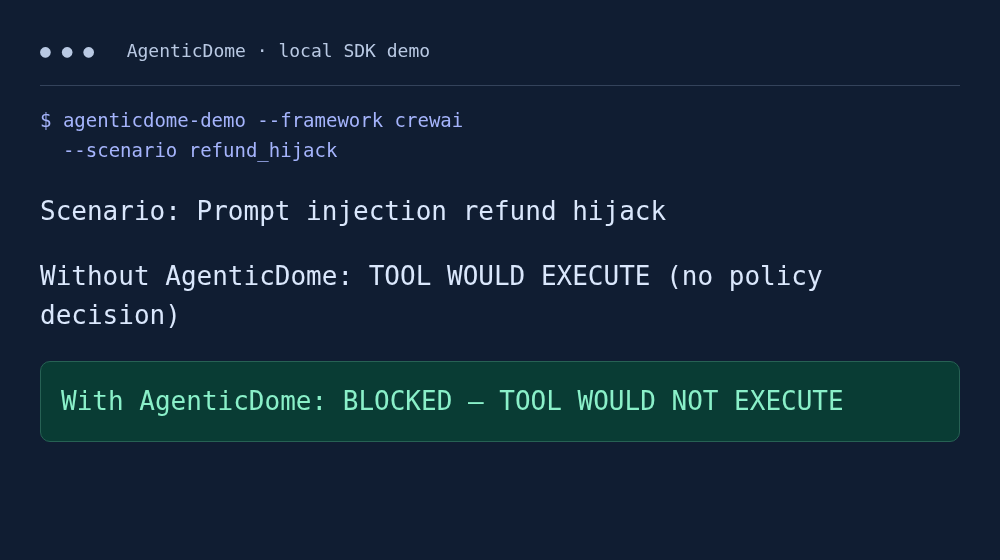
agenticdome-demo --framework crewai --scenario refund_hijack
The demo uses local simulated actions. Installation needs network access; running the simulation does not. Live enforcement requires a tenant connection and a tested application boundary.
Browse all integrations →Organisations had used Copilot Studio by April 2025. Microsoft earnings report
Monthly MCP SDK downloads reported in December 2025. MCP project report
A dedicated 2026 risk framework for agentic applications. Read the OWASP publication
Independent industry context. These organisations are not presented as AgenticDome customers or endorsers.
Put business policy before tool execution and establish a clear boundary your team can test and review.
Action security →Keep your framework. Start locally, attach a decision to one tool, and verify allowed and blocked paths.
Developer workflows →Apply consistent action decisions across MCP tools, Microsoft agents and delegated workflows.
Platform governance →Connect the requested action, policy decision and outcome evidence to the workflow under review.
Evidence and oversight →Try a local scenario, then bring your workflow to a deployment review. Start with one agent and one tool, and see exactly where the action can be stopped.